How to Choose a Bike Computer
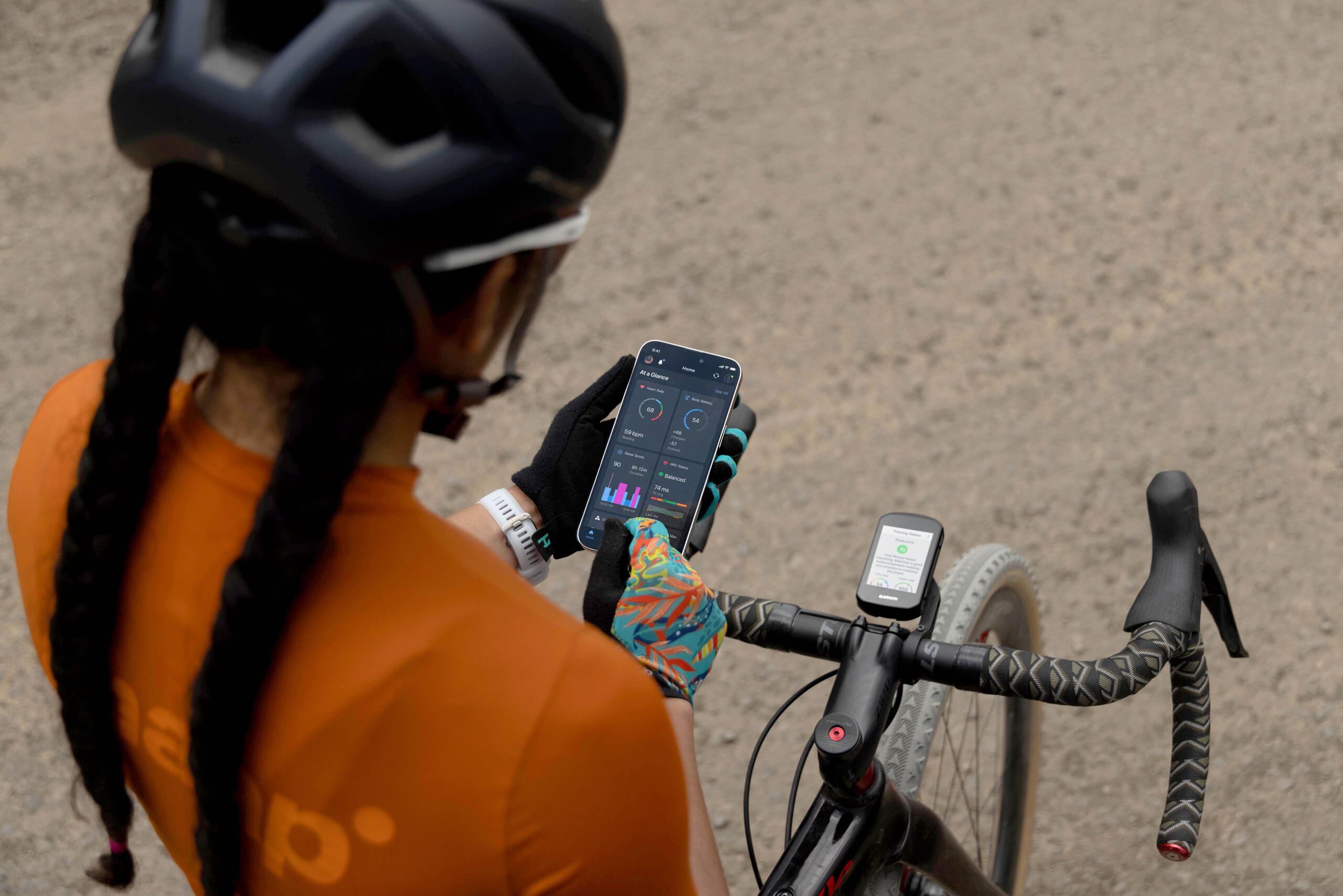
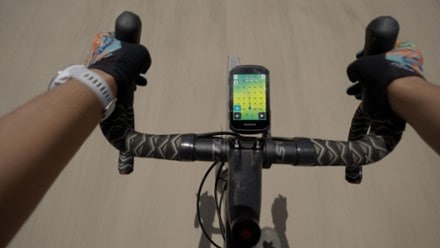
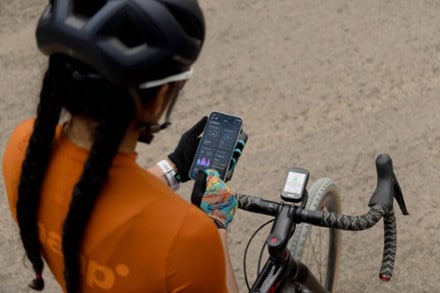
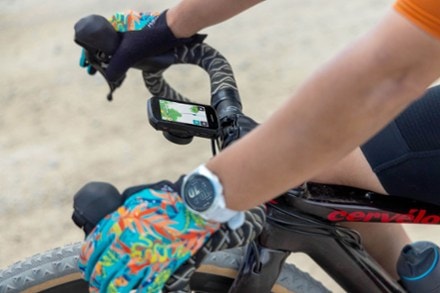
Improve your performance on the bike with the Garmin Edge 550. It features a vivid color display, button controls and advanced features to guide your training. And it's preloaded with maps.
Imported.
View the Garmin Edge Product LineView all Garmin Cycling Computers| Best Use | Cycling |
|---|---|
| GPS Tracking | Yes |
| Current Speed | Yes |
| Maximum Speed | Yes |
| Average Speed | Yes |
| Speed Comparator | Yes |
| Odometer | Yes |
| Trip Distance | Yes |
| Auto Start/Stop | Yes |
| Stopwatch | Yes |
| Countdown Timer | Yes |
| Clock | Yes |
| Alarm | Yes |
| Lap Timer | Yes |
| Cadence | Yes |
| Dual Bike Memory | Yes |
| Altimeter | Pressure-based |
| Target Zone Indicator | Yes |
| High/Low Target Heart Rate | Yes |
| Exercise Log | Yes |
| Illumination | Luminous Face |
| Smart Device Notifications | Yes |
| Low Battery Indicator | Yes |
| Batteries | Internal Lithium-Ion |
| Battery Life | Demanding use: up to 12 hours; battery saver mode: up to 36 hours |
| Wireless | Yes |
Adding a review will require a valid email for verification
We're in the middle of winter so I've only been able to use it a few times, but coming from a long stint with the Garmin 530 and a few months trying out a Wahoo Bolt, the new 550 is a big upgrade. Beautiful screen that makes it possible to have a lot more data on your main screen without feeling squished. It's obviously much faster, registering elevation change without lag and booting up quickly. The general complaint with these has been shorter battery life due to the new screen, but I'm never going to be out longer than 4-5 hours, so I think the issue is moot for most users. I'm happy - can't wait to pair it with a RearVue 820!

I bought per the recommendation of my personal trainer. It didn’t come with any operating or installation instructions, so I’ve had to Google everything. I find it incredibly complicated to learn to use. I finally got it installed on my bike along with a Garmin cadence sensor and heart monitor. I went for a short 16 mile ride just to see how it all works and play around with it. I had to keep stopping to google and ask my phone what then Garmin massage meant and what to do. Once my ride was completed, it wouldn’t shut off because I hadn’t stopped the timer. Again I resorted to Google to find out how to stop the timer. The instructions I was given, never matched what I was experiencing so it took about another 45 minutes for me just to stopped then timer and shut the thing off. I’m confident it will be a great tool once I figure out how to use it. I feel like I need to take a class. In fact I wouldn’t mind sitting through a 1- or 2-hour webinar just to learn how to use this thing.
I’m new to Garmin, coming from Wahoo. The device itself is very well built and features a crisp, high-resolution screen. However, Garmin falls short when it comes to user experience. The menus and button navigation feel confusing and unintuitive, and the overall interface looks outdated compared to Wahoo. Unfortunately, this also extends to the Garmin Connect companion app, which could benefit from a major usability refresh.
It s good but I thought it would find routes to ride. It record recently rode routes and you can pick from them but new routes from maps that popular for cyclists. Or I don’t know how to do it
Christmas present to myself . I would have been happier with a lump of COAL !!! The Edge Explorer 2 that the 550 is replacing was a much better, user friendly design.
very pleased with product and quality, product improvements has come a long way since my my first edge 500 many years ago
Only the russian alphabet is available on the keyboard for the Ukrainian region . It's like bullying.
Very happy for my purchase!!!!!!!!!!!!!!!!!!!!!!!!!