

How to Choose a Bike Computer
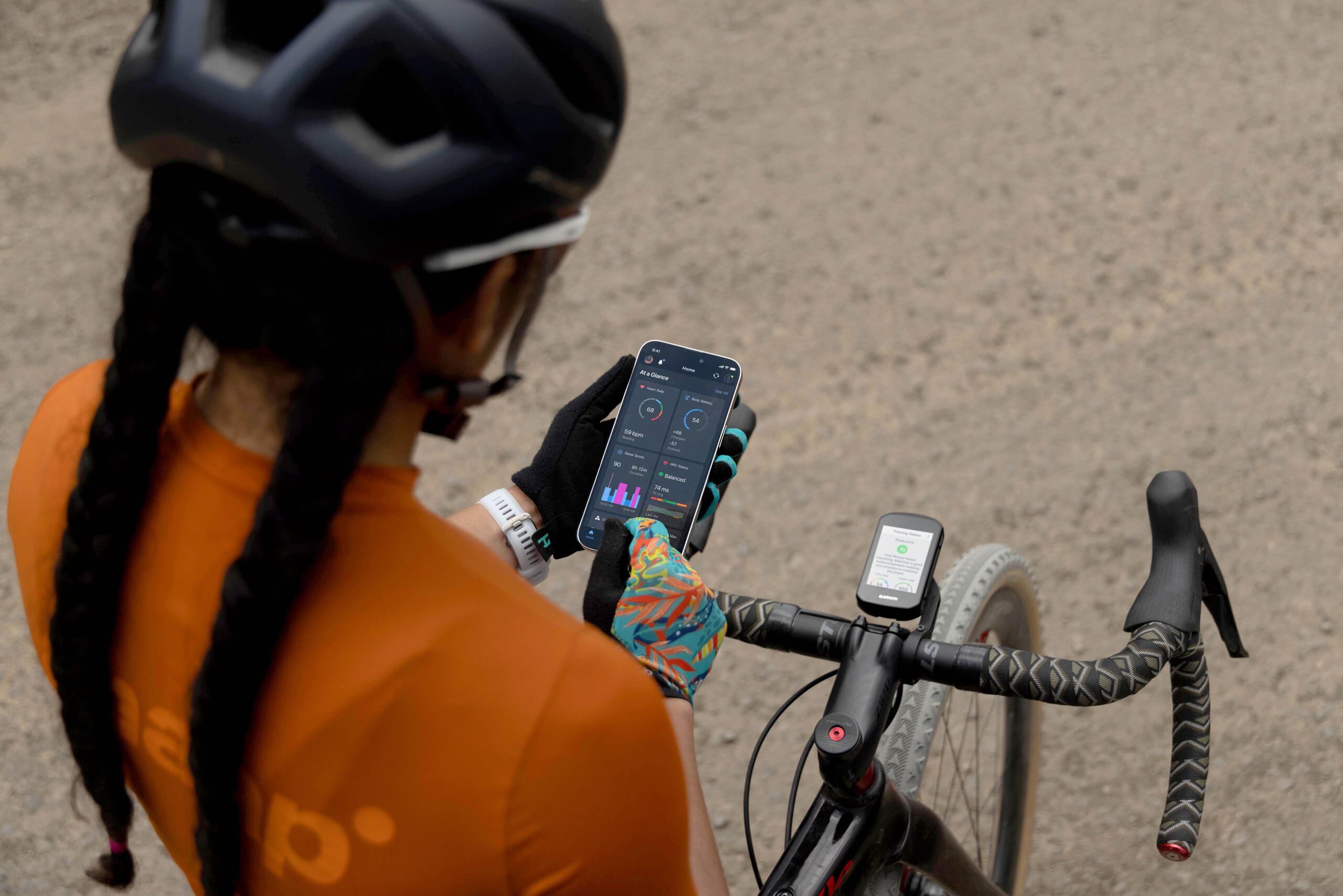
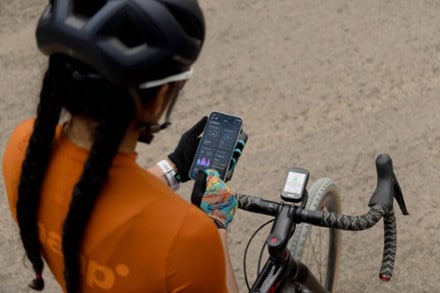
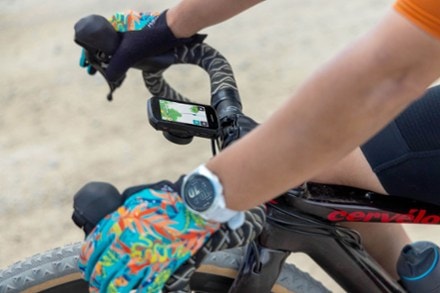
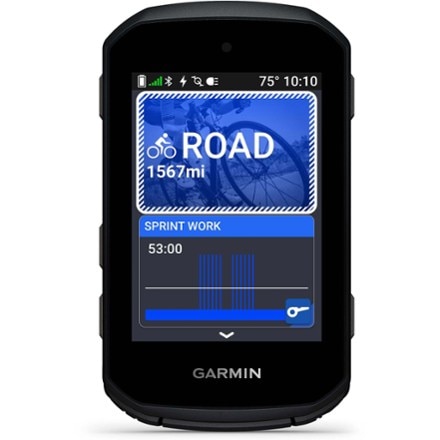
Improve your performance on the bike with the Garmin Edge 550. It features a vivid color display, button controls and advanced features to guide your training. And it's preloaded with maps.
Imported.
View the Garmin Edge Product LineView all Garmin Cycling Computers| Best Use | Cycling |
|---|---|
| GPS Tracking | Yes |
| Current Speed | Yes |
| Maximum Speed | Yes |
| Average Speed | Yes |
| Speed Comparator | Yes |
| Odometer | Yes |
| Trip Distance | Yes |
| Auto Start/Stop | Yes |
| Stopwatch | Yes |
| Countdown Timer | Yes |
| Clock | Yes |
| Alarm | Yes |
| Lap Timer | Yes |
| Cadence | Yes |
| Dual Bike Memory | Yes |
| Altimeter | Pressure-based |
| Target Zone Indicator | Yes |
| High/Low Target Heart Rate | Yes |
| Exercise Log | Yes |
| Illumination | Luminous Face |
| Smart Device Notifications | Yes |
| Low Battery Indicator | Yes |
| Batteries | Internal Lithium-Ion |
| Battery Life | Demanding use: up to 12 hours; battery saver mode: up to 36 hours |
| Wireless | Yes |
Adding a review will require a valid email for verification
We're in the middle of winter so I've only been able to use it a few times, but coming from a long stint with the Garmin 530 and a few months trying out a Wahoo Bolt, the new 550 is a big upgrade. Beautiful screen that makes it possible to have a lot more data on your main screen without feeling squished. It's obviously much faster, registering elevation change without lag and booting up quickly. The general complaint with these has been shorter battery life due to the new screen, but I'm never going to be out longer than 4-5 hours, so I think the issue is moot for most users. I'm happy - can't wait to pair it with a RearVue 820!

Don’t do it. This device is like using something from the early 2,000s. It reminds me of trying to use the maps app on my old blackberry. It’s incredibly dated. I can’t believe they still sell it and it’s this expensive. I eventually decided to buy a good phone mount, carry a spare battery in my top tube bag, and use the Cadence app. I need my phone on the ride anyhow so it’s not really adding weight. You can thank me later.
I only purchased this because I took a cycling trip and somehow left my other one at home. I found the screen clarity improved, fantastic features. Once I adjusted to the lack of touch screen I may actually prefer it as I didn't accidentally change things which was common with the touch screen.
Great device, shows me all of the metrics I want to see during my rides. Info screens are super customizable. Really helps make training easier. I was a little on the fence and almost went for the 850 for the touch screen, but this one has been completely fine. When I'm on the bike I rarely need to touch the device anyway and it's just as easy to navigate with the up and down arrow buttons. Battery life has been perfectly fine - I can easily ride all day without worrying. Navigation works great as well. If I'm doing a new gravel route on fire roads I know I'll need help with, I just save the route in Strava and it syncs to my Garmin. Much easier than getting out my phone and stopping every time I need to verify I'm taking a correct turn. Definitely recommend!
I have had this unit for about a month now, and I am enjoying it. I was a little worried that the brighter screen would kill the battery faster, but the battery has been holding up quite well. I bought this unit because it originally did not pair well with my Garmin 530, but it does a very good job with the new Garmin 820. I am really enjoying the combination, and I do like seeing the two lanes of traffic on the Varia and watching the cars actually go around me and change lanes on the screen. It is pretty nice. Overall, this is a nice unit, and I would definitely recommend it. I am a little confused why they do not put a touch screen on all the new ones, but I guess that helps to keep the cost down. I wish this one had a bike bell, but that is just kind of frivolous. Overall, this is a nice unit, and I am enjoying it.
I’m new to Garmin, coming from Wahoo. The device itself is very well built and features a crisp, high-resolution screen. However, Garmin falls short when it comes to user experience. The menus and button navigation feel confusing and unintuitive, and the overall interface looks outdated compared to Wahoo. Unfortunately, this also extends to the Garmin Connect companion app, which could benefit from a major usability refresh.
I previously had an Edge 520 and I really like the upgrades on the 550. The screen is very clear, the colors are bright, so it’s easy to see while riding. When I ride, I almost always ride a pre-programmed workout, so I don’t change my screen often while reading. As a result, the button controls work fine for me and it wasn’t worth spending the extra money for the touch screen controls.
I purchased this device approximately three weeks ago.Some of the controls work differently than my prior Garmin 520. Being able to power it on and off is different. The 550 has a sleep mode which the 520 did not. Have to be sure you power off and not just put it in sleep mode when you are done for the day.
this thing is not user friendly. Been searching sources to help me with setting this up and they all seem to assume that I have a deep knowledge of the product. If I can't figure it out soon I will return it.
It s good but I thought it would find routes to ride. It record recently rode routes and you can pick from them but new routes from maps that popular for cyclists. Or I don’t know how to do it


Buy a lifetime $30 membership and make a $50 purchase by Nov 12, 2026.*
$50
10% Reward*
on this and every eligible full-price item*
+
$30
Bonus Card*
valid for 30 days after joining*
=
$80
Value