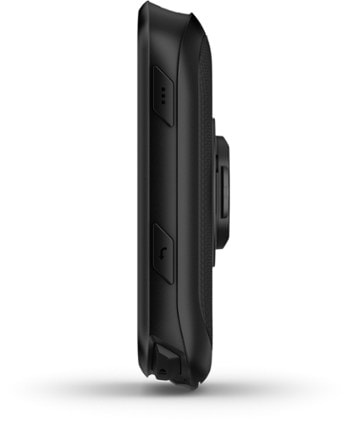
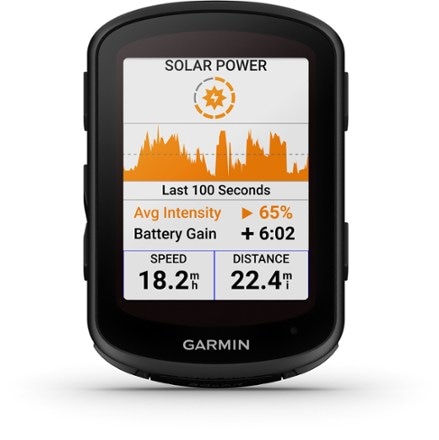
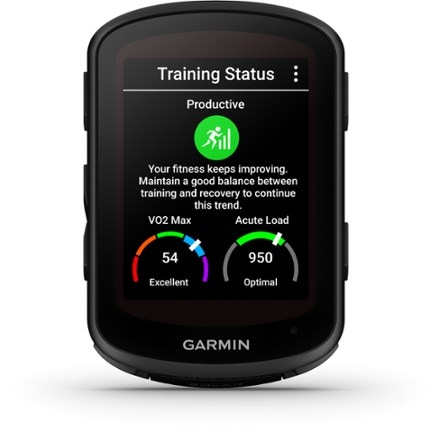
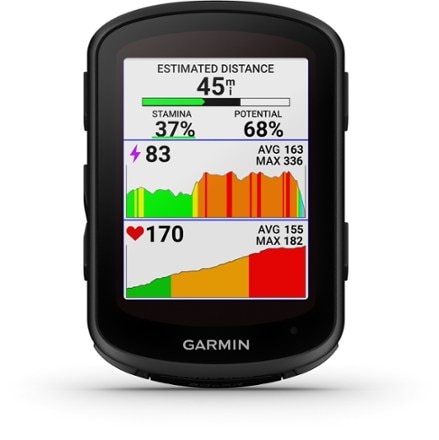
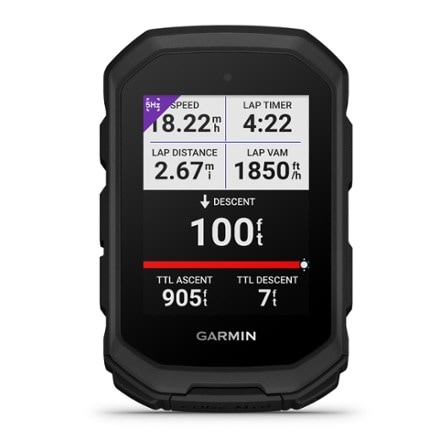
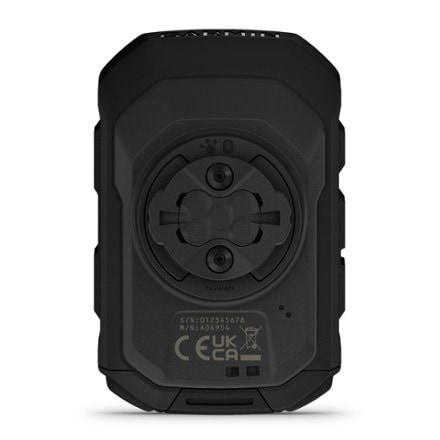
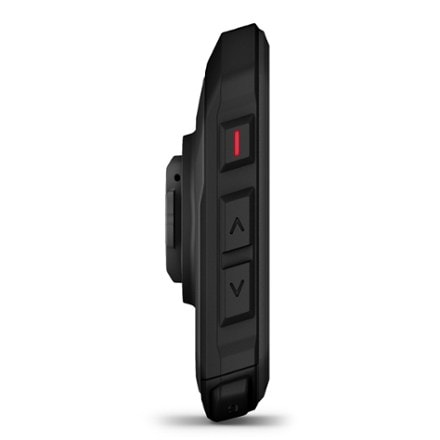
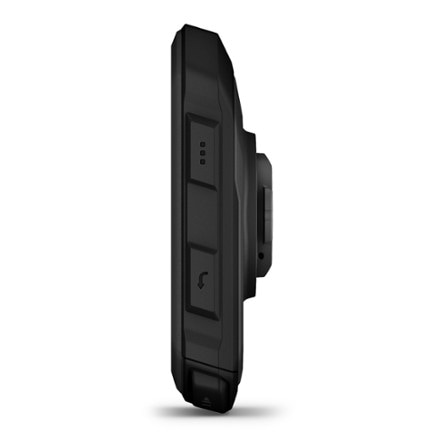
This item is currently sold out or unavailable online.
Or, may we suggest shopping for similar items:
This page is provided for reference to historical product information.
Imported.
Item 796926
| Specification |
| ||||||||||||||||||||||||
|---|---|---|---|---|---|---|---|---|---|---|---|---|---|---|---|---|---|---|---|---|---|---|---|---|---|
| Current speed |
| ||||||||||||||||||||||||
| Maximum speed | |||||||||||||||||||||||||
| Average speed | |||||||||||||||||||||||||
| Speed comparator | |||||||||||||||||||||||||
| Odometer | |||||||||||||||||||||||||
| Trip distance | |||||||||||||||||||||||||
| Auto start/stop | |||||||||||||||||||||||||
| Stopwatch | |||||||||||||||||||||||||
| Countdown timer | |||||||||||||||||||||||||
| Clock | |||||||||||||||||||||||||
| Alarm | |||||||||||||||||||||||||
| Lap timer | |||||||||||||||||||||||||
| Cadence | |||||||||||||||||||||||||
| Dual bike memory | |||||||||||||||||||||||||
| Altimeter | |||||||||||||||||||||||||
| Temperature | |||||||||||||||||||||||||
| Heart rate display | |||||||||||||||||||||||||
| Target zone indicator | |||||||||||||||||||||||||
| High/low target heart rate | |||||||||||||||||||||||||
| Exercise log | |||||||||||||||||||||||||
| Illumination | |||||||||||||||||||||||||
| Low battery indicator | |||||||||||||||||||||||||
| Wireless | |||||||||||||||||||||||||
| Best use |
REVIEWS
Reviewed by 3 customers
Sort by
Displaying reviews 1-3
Pros
Cons
Best Uses
Comments about Garmin Edge 705 Bundle GPS Bike Computer with Topo Maps:
I have been using Garmin GPS receivers since I owned a Garmin GPS III in 1998. I also use a Garmin GPSMAP 60CS and Garmin Forerunner.
I tried using the 60cs for mountain biking and began to see its limitations for biking.
With the EDGE 705, you can use a heart rate monitor. You can also upload all your tracks to its software which shows you all kind of data that is displayed in graphs and maps.
The map display has been crucial in a lot of my off road mountain bike exploration. To utilize this feature, you need to purchase Garmin TOPO software for your respective area. Though the maps aren't perfect, they have kept me from getting totally lost.
If you want to display speed and distance and heart rate info in the map display, it shrinks your viewable map display some.
The Edge takes a micro SD card allowing it to hold map data and tracks.
You can also set profiles to different bikes to keep track of the odometer on each bike.
The only dislikes I have is the toggle switch is sensitive to being bumped especially on mountain bike rides.
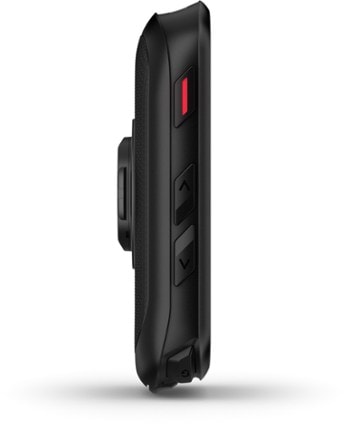
The buttons can be tricky to operate in rough terrain with full finger gloves. The buttons are located on the side of the unit making it somewhat awkward to manipulate on the fly.
So far my bike mount hasn't failed me though I have heard of others failing. I would like to see the inclusion of a small loop for attaching a lanyard. That lanyard can be secured to the handlebars preventing the loss of the unit in rough terrain.
Pros
Cons
Best Uses
Comments about Garmin Edge 705 Bundle GPS Bike Computer with Topo Maps:
I am amazed with this device. It has such promise and fails to deliver the promise repeatedly. The hardware seems good, but the software makes this device barely usable even for Silicon Valley Engineers! Garmin apparently did not consider USE CASES. That is, how will the user configure the device and get useful information from the device. The user manual is the same in hardcopy and on line and is remarkably brief on nearly all the features, such as using the GPS! The GPS display is extremely crude even compared to my Blackberry with Google maps and location by cell tower triangulation. The iPhone is far better than the GPS. The Garmin doesn't know the street names except for major highways! I expected a GPS on a par with portable car GPS units and I am very disappointed in the Edge 705. One use case would be I want to get on my bike and record the details of my ride for later upload to my computer. This is one of the easier use cases to do with the Edge 750, but still requires multiple button presses and even then it is easy to foul up. For example, the 2-hour effort including a critical time trial yesterday shows up as a 1-second effort instead of two hours. Sigh. Many GPS-equipped riders seem to prefer [@] for storing their data, which is a cool website that allows comparisons with other riders. I have been using [@] because my coach puts the training schedule there. Garmin promotes their MotionBased website, but I haven't used it yet. Also, the Garmin app doesn't install on my 64-bit Windows 7 computer. Sigh. Another use case is having a readout of my progress while riding, and there is a nice way to set up the display -- 9 clicks into the menus! A zillion clicks later, there is a nice display (I use 7 fields) of perhaps hundreds offered. The zillion clicks don't have to be repeated unless you want to change the items on the screen and the menus are simple. I would NEVER do this operation while riding. The Edge 705 picks up my PowerTap heart rate strap, but not the PowerTap hub, which is likely a PowerTap issue, not an Edge705 issue. The display worked perfectly during my time trial, showing me heart rate, speed, distance, max speed, % grade, elevation, and time of day. It just didn't record the data for later upload to my computer and the web. Sigh. The computer that came with my PowerTap has a nice app on the PC or Mac that lets you easily configure complex features on the PC screen. It is a really difficult engineering task to have a device waiting for a wireless signal and then turn on, but the PT starts if ANY key is operated. The Garmin needs a very precise sequence of button hold-down and keystrokes to work at all. The screen is extremely hard to see day or night. This also can be fixed by illuminating the screen (over 25 keystrokes), but not permanently even when the backlight timeout is set for "Stays On". So the bottom line is this: if you are willing to spend many frustrating hours trying to get the Edge 705 to do what you want, it will (maybe!) faithfully record your numbers for upload to your PC and to nifty 3rd party websites. It will never be easy to use and you will spend a lot of time on the side of the road with one foot down while you scroll through zillion-click sequences to get it to do what you want. If you are using PowerTap, save your money and keep using the far superior user interface (though it can get pretty arcane too with timed and double button presses, it was designed by someone who knows how cyclists operate).
Pros
Cons
Best Uses
Comments about Garmin Edge 705 Bundle GPS Bike Computer with Topo Maps:
I had not one, but TWO, Garmin 60CSx units fail completely on me (always a month or so after the warranty expired), so I was leary of purchasing yet another GPS for attaching to a bicycle. The Edge 705 isn't out of warranty yet, but neither has it given the slightest hint that problems may lie ahead.
Just like the other Garmin GPS'es, the Edge 705 needs maps to be particularly useful. The "base map" that is included with every model is pretty much useless. My advice is to purchase a bundle that includes the MicroSD map card. With a detailed map installed, the Edge is a terrific device that can calculate routes, name streets, and provide complete POI (point of interest) information -- restaurants, hotels, ATMs, emergency services, etc.
As another reviewer pointed out, it takes time to learn to use all the features, but that's largely because there are so many of them. In addition to a number of fixed screens, there are two screens that are completely configurable as to the data you would like to display. The operating system even figures out the optimal font size based on how many items of data one chooses to display. If you're good with electronics, it's not that hard to figure out, but I can see that it might be frustrating for someone who doesn't "play" with electronic gadgets much.
For me, the best use of this device is on bike tours. First of all, you never get lost (unless the battery runs down!). Secondly, you can find an ATM when you're out of cash. Thirdly, you can change your route whenever you like without worrying about having the relevant paper map.
Some features are particularly well thought out for guiding you along a route. The GPS beeps and displays a warning when a turn is coming up; it switches to a detailed view of the turn a second time when you're within a few feet. The device "knows" the location, time of day, and date -- and has a database of sunrise/sunset information. It uses this information to calculate the amount of daylight available to view the screen, and then switches automatically from daytime to nighttime screen mode as appropriate. I thought that was pretty clever!
I cannot explain why the numbers change slightly after the data is uploaded to a PC, and change again when uploaded to the Garmin website. I notice this particularly when I look at recorded altitude data (total ascent). Perhaps there is an algorithm in the software that tries to compensate for inaccuracy in the altimeter. This is not a serious drawback for me, since (1) I have no scientific need for the data, and (2) I simply choose the larger number for conversational use (aka "bragging rights"!)
Displaying reviews 1-3
How are we doing? Give us feedback on this page.
FREE U.S. STANDARD SHIPPING No minimum purchase!
THE REI WINTER CLEARANCE: SAVE UP TO 50% On selected ski, snowboard and end-of-season clothing & gear. Shop early for the best deals